
Integrations / Salesforce
Personal video for Salesforce, sent as the rep.
coReel’s managed package connects to your Salesforce org. Record a video for a Contact, Lead or Opportunity, send it through Salesforce as the rep, and log every send, view and reply on the record.
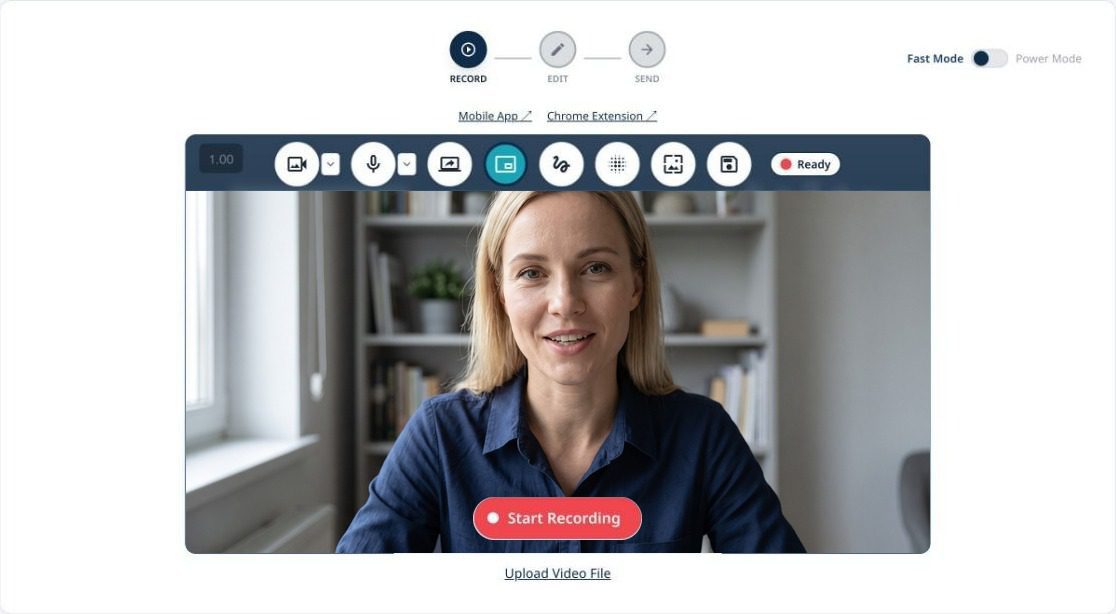
What you can do with coReel and Salesforce.
Video that lives in Salesforce, from the first send to the closed deal.
Record inside Salesforce
The coReel Chrome extension adds a record button to Contact, Lead and Opportunity record headers, in Lightning and Classic, and to the Lightning email composer.
Send through Salesforce
Video emails go out through Salesforce as the rep, to chosen Contacts, Leads or a whole Campaign, now or scheduled.
Logged on the record
Every send is saved as an Email Message, and each recipient gets a completed Task that updates as they engage.
Video View records
A Video View record shows when the buyer first clicked, played, watched to the end, clicked your button, replied, shared or scanned a mailed card, and how far they got.
Start a Flow
Last video event fields on Contacts and Leads drive record-triggered Flows, or coReel can launch a Flow you choose for each signal.
Briefings from Salesforce
Before you record, coReel’s AI summarizes the Contact or Lead, its Account, Tasks, Events, Notes, Opportunities and open Cases, and suggests a script.
Revenue from Opportunities
Conversion webhooks credit a closed deal to the video send that led to it, and coReel can look up the amount from the latest Closed Won Opportunity.
New Leads from replies
When someone who isn’t in Salesforce replies from your watch page, coReel finds or creates a Lead for them.
Mailed video cards to a Campaign
Mail video cards to the members of a Salesforce Campaign at once, and save address corrections back to the record.
How it works.
Set up once by your Salesforce admin and an owner or manager on your coReel account. Step by step: how to log video views in Salesforce.
Step
What happens
Install
Your admin installs the coReel managed package. It adds the Video View object and the last video event fields.
Connect
An owner or manager connects your org from coReel’s Integrations page. Sandboxes work too. Each rep can then connect to send as themselves.
Record
Record in the coReel web app, on your phone, or on a Salesforce record with the Chrome extension.
Send
Pick Contacts, Leads or a Campaign. The email goes out through Salesforce as the rep, with an animated preview of them, and the link opens your branded watch page.
Follow up
Every play, click, reply and card scan updates the Task and Video View, can start a Flow, and can alert the rep.
Salesforce and coReel, answered.
Does coReel work with Salesforce?
Yes. coReel installs as a managed package in your Salesforce org, and sends, logs and automates video email from Contacts, Leads, Opportunities and Campaigns.
Which Salesforce editions are supported?
Enterprise and Unlimited, and Professional with API access. Sandboxes are supported for testing. Sending through Salesforce needs a DKIM key for your sending domain.
Is video activity logged in Salesforce?
Yes. Each send is saved as an Email Message, each recipient gets a completed Task that updates as they engage, and a Video View record tracks plays, clicks, replies, shares and card scans.
Can a video view start a Salesforce Flow?
Yes. Use the last video event fields on Contacts and Leads in a record-triggered Flow, or have coReel launch an autolaunched Flow for each signal.
Which plans include Salesforce?
Every plan. Salesforce counts as one CRM integration: Free includes one, Essentials two, and Teams and Enterprise unlimited. Revenue attribution with conversion webhooks is on Teams and Enterprise.