
Integrations / Gmail
Personal video in Gmail, sent from your own address.
coReel connects to your Gmail or Google Workspace account. Record a video right in the Gmail compose window, send it from your own address, and see who opens, watches and replies.
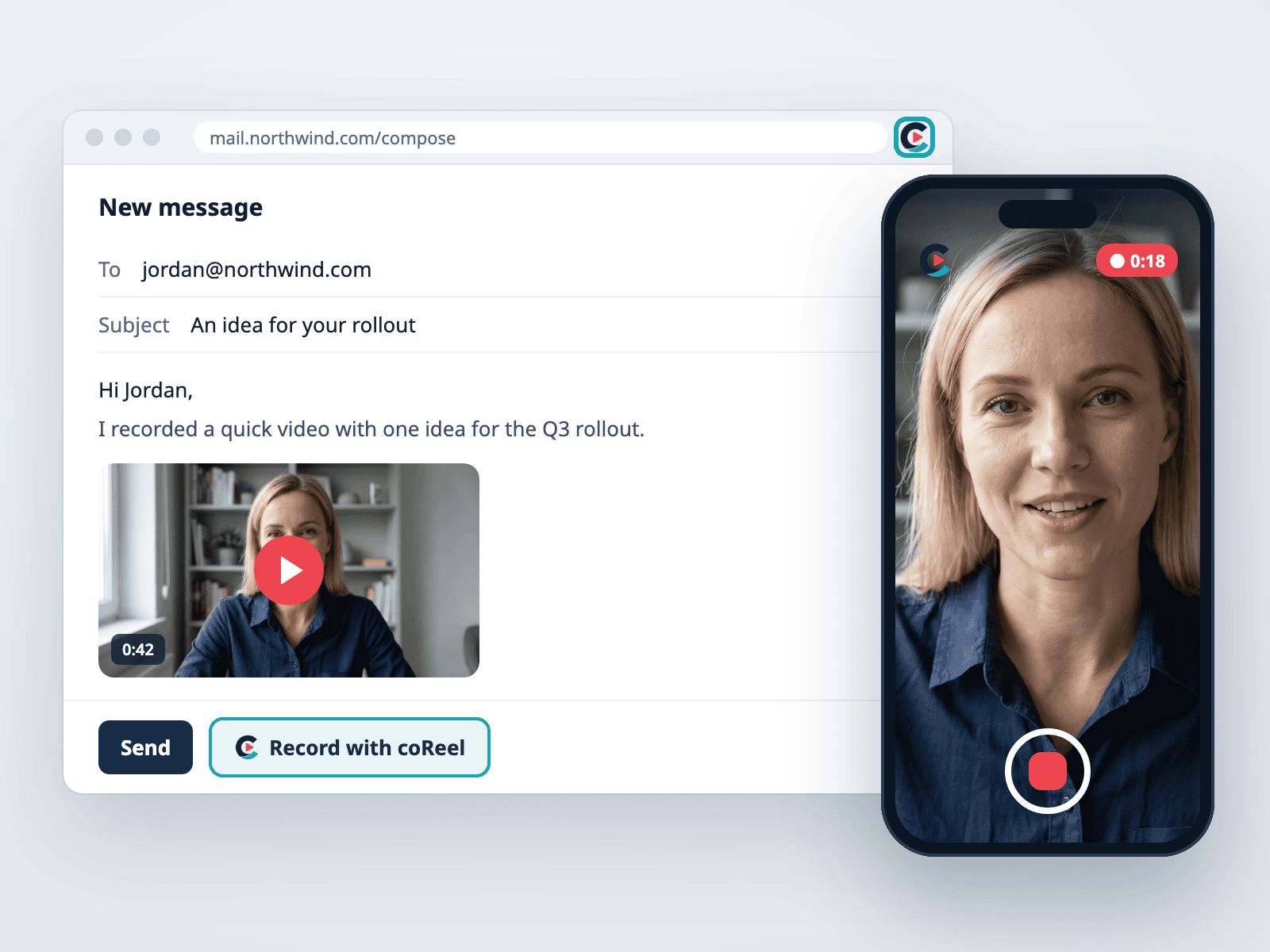
What you can do with coReel and Gmail.
Video email that looks like it came from you, because it did.
Record inside Gmail
The coReel Chrome extension adds a video button to the Gmail compose window: record a new video, insert your last recording, or pick one from your library. It fills in the first recipient for you.
Sent from your address
Video emails go out through your own Gmail account, so they land like any other email you send and replies come straight to your inbox.
See who watched
Every open, play, watch to the end, button click and reply is tracked on the video, so you know who to call first.
Your CRM still follows up
If your company connects HubSpot, Salesforce or another CRM, each send can still run that CRM’s follow-up when someone watches or replies.
A preview that gets clicked
The email shows a preview of you that opens your watch page, where the recipient can play the video and reply. Paid plans add an animated preview, your logo and a call-to-action button.
On every plan
Gmail is included on every plan, Free included, and doesn’t count toward your plan’s CRM integrations.
How it works.
Each rep connects their own Gmail in a minute. Step by step: how to send a video email in Gmail.
Step
What happens
Connect
Sign in with Google from coReel’s Integrations page. Each rep connects their own account, so every email comes from them.
Record
Record in the coReel web app, on your phone, or in the Gmail compose window with the Chrome extension.
Send
Send from Gmail as usual, or from coReel through your Gmail account. Either way it comes from your address.
Follow up
See every open, play, click and reply, get notified, and let a connected CRM take the next step.
Gmail and coReel, answered.
Does coReel work with Gmail?
Yes. coReel connects to Gmail and Google Workspace accounts through Google’s own sign-in, sends video email from your address, and adds a video button to the Gmail compose window with the Chrome extension.
Do video emails come from my Gmail address?
Yes. coReel sends through your own Gmail account, so recipients see your name and address and replies go to your inbox, not a no-reply mailbox.
How do I add a video to a Gmail email?
Install the coReel Chrome extension, open a new email in Gmail and click the coReel button. Record a new video, insert your last recording or choose one from your library, then send with Gmail’s Send button.
Is the Gmail integration free?
Yes. Gmail is on every coReel plan, including Free, and doesn’t count toward your plan’s CRM integrations.