
Video prospecting / How to send a video email in Gmail
How to send a video email in Gmail.
Record a personal video right in the Gmail compose window, send it from your own address, and see who watched. It takes about a minute, and it works on coReel’s free plan.
What you'll need.
Nothing you have to pay for to try it.
A coReel account
The free plan includes 25 videos a month, up to 10 minutes each.
Google Chrome
With the coReel Chrome extension installed and signed in.
Gmail or Google Workspace
The email goes out from your Gmail as usual, so it comes from your own address.
Step by step.
From a blank email to a tracked video in six steps.
Step
What to do
1. Start an email
Open Gmail, click Compose, and add your recipient in the To line. coReel picks up the first recipient so it can tell you when that person watches.
2. Click the coReel button
It sits next to Gmail’s Send button. Choose Record a new video, Insert last recording, or Use an existing video.
3. Record
Camera, screen or both. Keep it to 30 to 60 seconds: their name, one reason you’re reaching out, and one ask.
4. Check the email
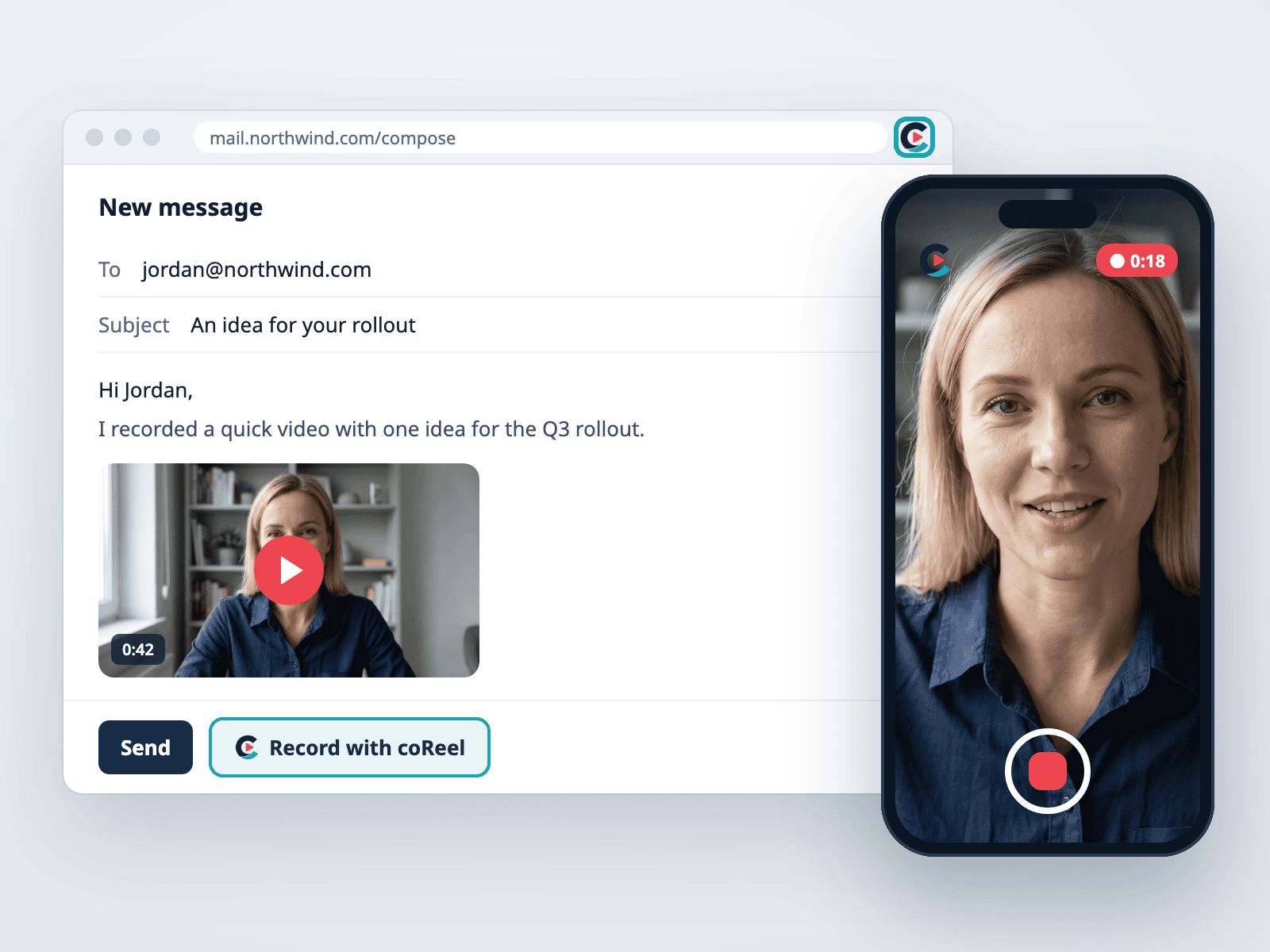
coReel puts a preview of your video in the email, linked to your watch page, with a text link below it. On paid plans the preview is animated.
5. Add a subject and two lines
Say why you recorded it and what’s in it, so the email works even before they press play.
6. Send, then watch for views
Click Send in Gmail. In coReel, open Sent to see when they open the email, play the video, click and reply.
Or send it from coReel.
Prefer to record in the coReel web app or on your phone? Connect Gmail once and send from there.
Connect Gmail
In coReel, open your account menu, choose Integrations, and click the Gmail tile to sign in with Google.
Record and send
Record your video, choose Send it, pick your contact, and choose Gmail under Send with.
Write and send
Add a subject and a short note, then click Send. The email still goes out from your own Gmail address, and replies come to your inbox.
Video email in Gmail, answered.
Can you send a video in Gmail?
Yes. Gmail can attach a small video file, but recipients have to download it and you can’t see whether they watched. A video email tool like coReel puts a clickable preview in the email instead, plays the video on a watch page, and tells you who watched.
Do I need to connect Gmail to coReel to use the Chrome extension?
No. Signing in to coReel in the extension is enough to record and insert a video into a Gmail email. Connect Gmail only if you want to send from the coReel web app.
Will the email come from my address?
Yes. You send it from Gmail, or coReel sends it through your Gmail account, so it comes from your name and address and replies go to your inbox.
How do I know if they watched?
Open Sent in coReel. Each email shows opens, plays, button clicks and replies, and you can get a notification when someone watches.
Is it free?
Yes. coReel’s free plan includes 25 videos a month, up to 10 minutes each, and works with Gmail.
Keep going.
Read our video prospecting guide, see how to add video to HubSpot emails, or start free.